Checking Connector settings
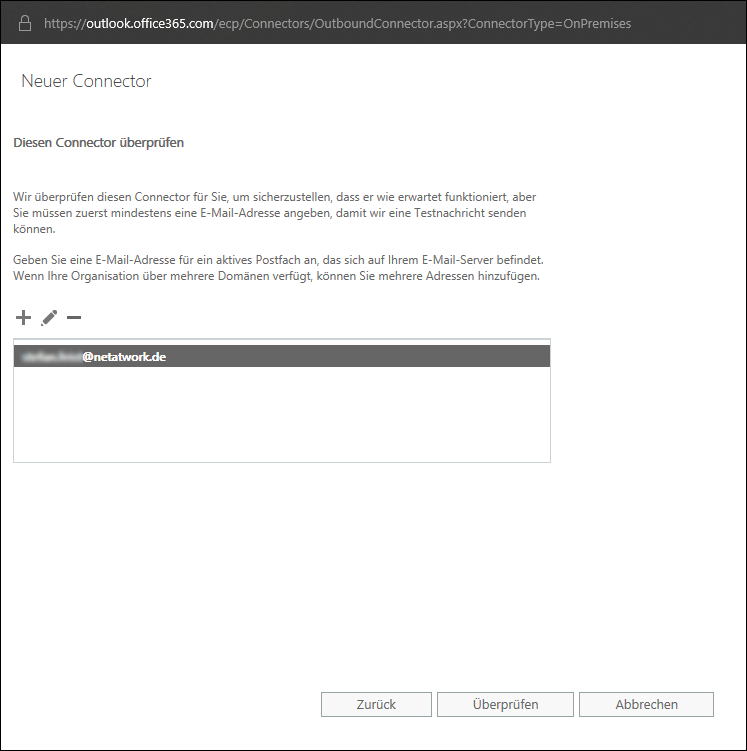
In this step, the wizard checks the connector settings. At least one email address is required for this.
- Enter one or more email addresses that you want to use to check this connector.

- Click Validate.
NOTE: One or more test messages are now sent. You will receive a check result after the check is completed. The test message usually fails; you can ignore this at first.
- Click Save to close the dialog.
Next steps
Now continue with the following steps:
Using NoSpamProxy in Microsoft 365 with Exchange Online
Necessary configurations for the operation in Microsoft Azure