Configuring default settings for users
Here you define which global settings are applied for users if no settings are configured for individual users.
- Go to Identities > Corporate users > Default user settings.
- Click Modify.
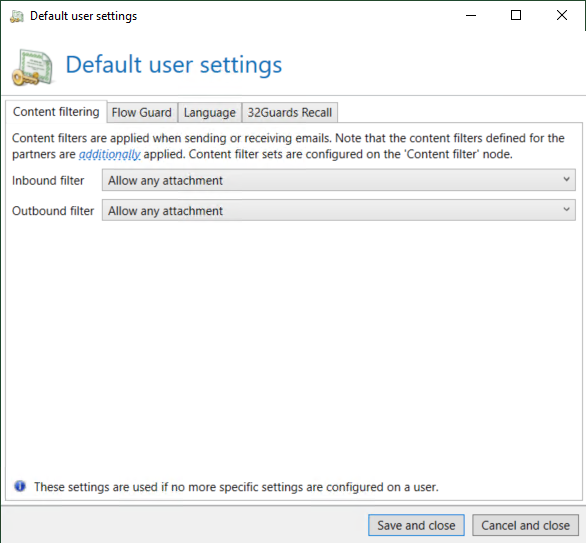
- Select the desired behaviour of the content filter for inbound emails (Inbound filter) and outbound emails (Outbound filter).
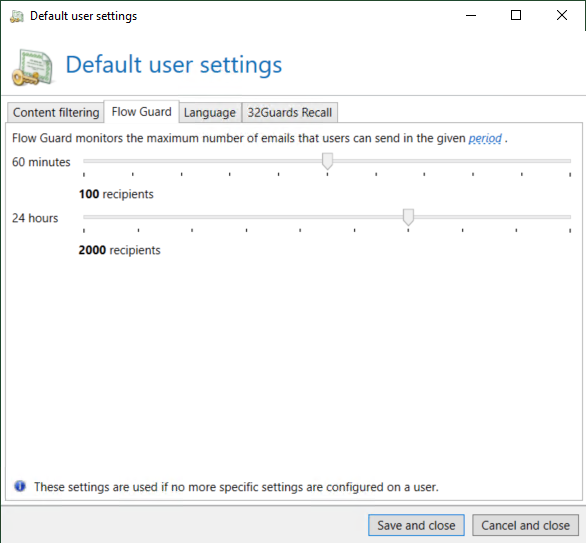
- Select the desired behaviour for the Flow Guard.
- Select the languages for email notifications and email hints.
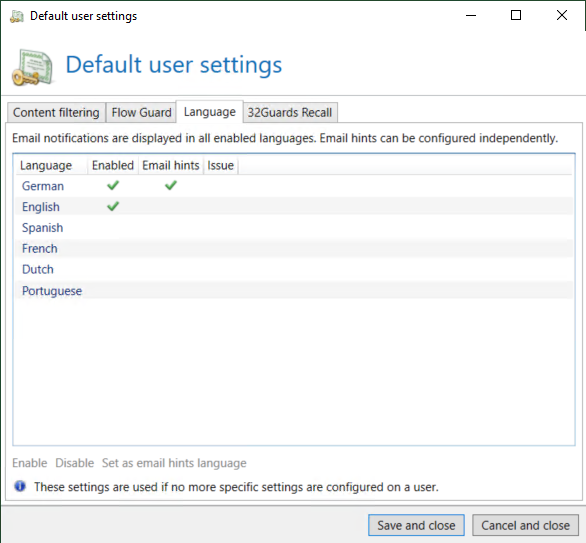
NOTE: Email notifications are displayed in all languages.
- Select the settings for 32Guards Recall.
- Click Save and close.
Video: Configuring default settings for users (German only)