Event log
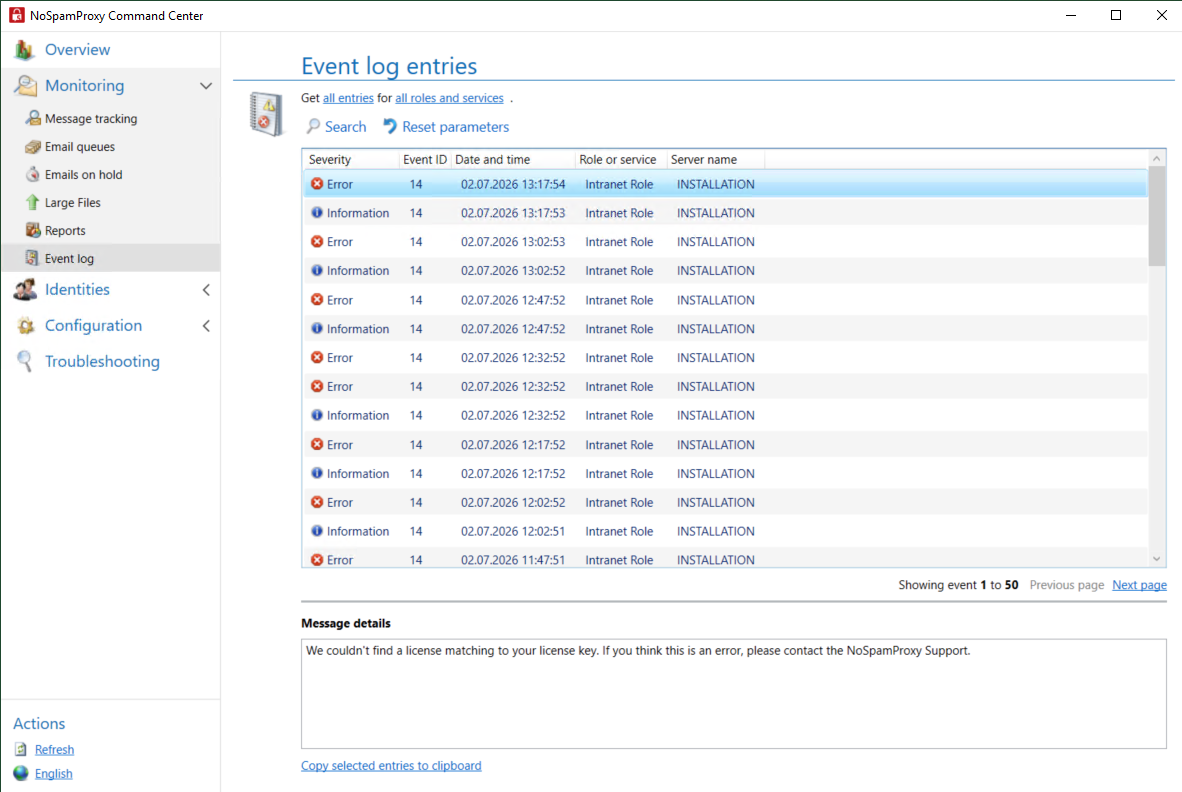
You can find the Event log in the NoSpamProxy Command Center under Monitoring > Event log. The event log is a consolidated list of events across all NoSpamProxy roles.
-
To view details of an event, click on the relevant event.
Filtering entries
The following criteria can be used to filter the results:
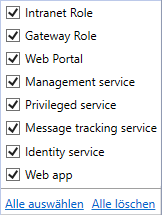
- Roles and services
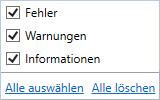
- Type of events displayed: errors, information and warnings.
TIP: To look at previous entries, you can browse through the results of the search using Back and Next. To view the details of an entry, select it with the mouse. The details are displayed in the lower part of the page.
What are the threshold values for CPU utilisation and hard disk capacity warnings?
CPU utilisation
-
Warning at 70 % capacity utilisation
-
Critical warning at 90 % capacity utilisation
NOTE: The average of several measurements is used so that a short, temporary increase does not trigger a warning.
Hard disc capacity
-
Warning at 20 % remaining capacity
-
Critical warning with 500 MB or less remaining capacity
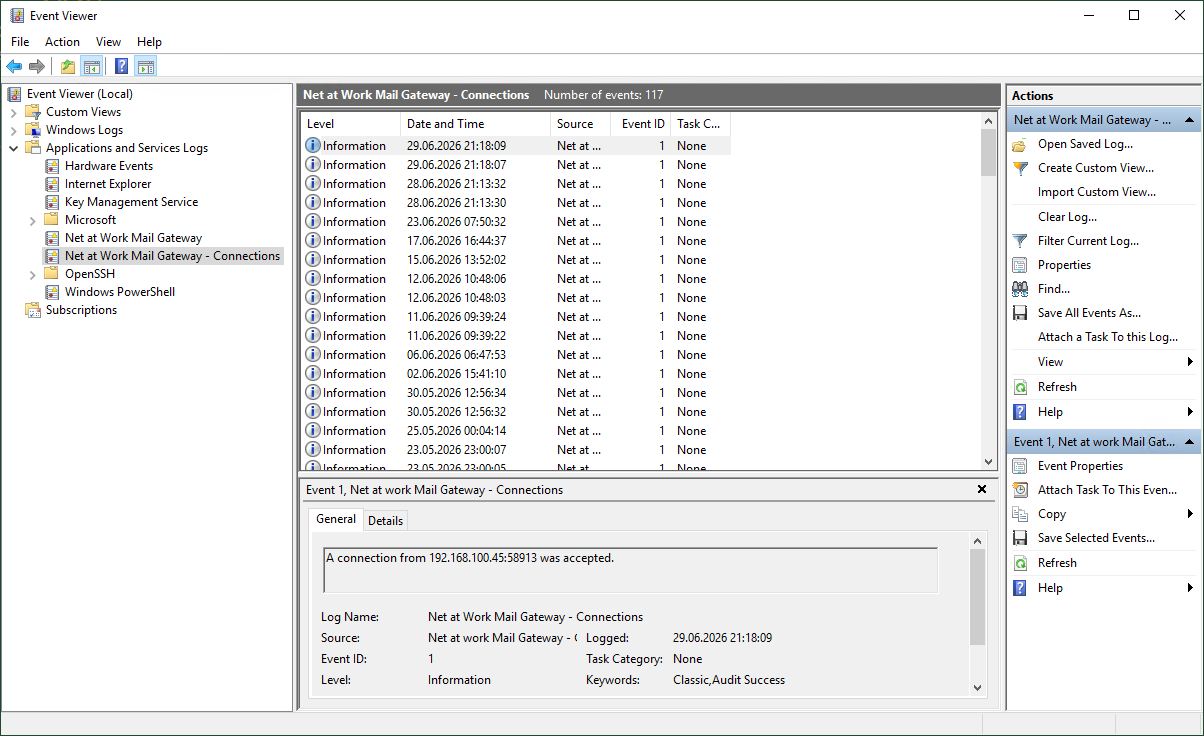
Event Viewer
On the individual systems, you can use the Windows Event Viewer to view events.
-
Switch to the relevant system.
-
Go to Application and Service Logs > Net at Work Mail Gateway.
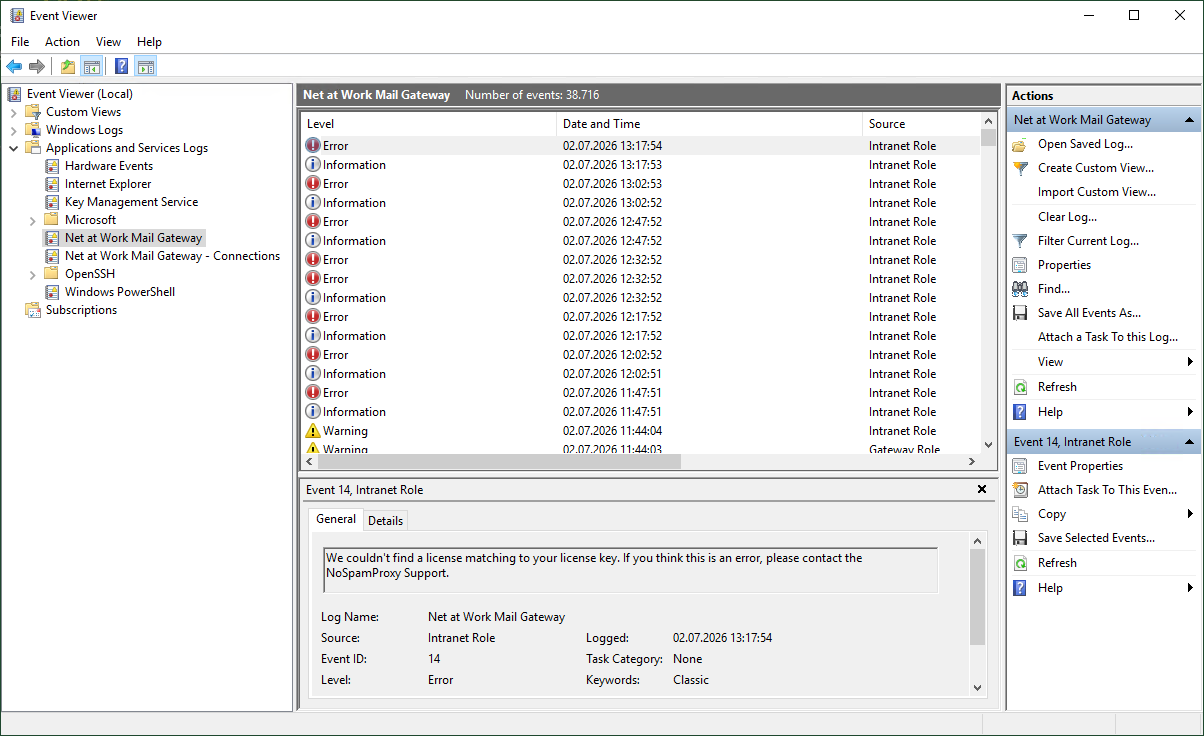
On systems with the NoSpamProxy Gateway Role, you will also find Net at Work Mail Gateway – Connections. Here you can see which connection attempts were made and whether they were successful or rejected.